Map
DO NOT RE-UPLOAD THE YEENROOMS SAMPLE TO THE WORKSHOP! IT WILL BE REMOVED
Prerequisites
Make sure you have:
- Delivery & Beyond installed
- Git (https://git-scm.com/install)
- Unity (version that the project uses)
Youtube Video
TODO
Setup
1. Clone the Custom Map Unity Project Example
https://github.com/edunad/delivery-beyond-custom-map
2. Setup Hammer++ (Optional Step)
This is not required, you can use any modelling software.
- Download
Source SDK Base 2013 Singleplayeron Steam and start it once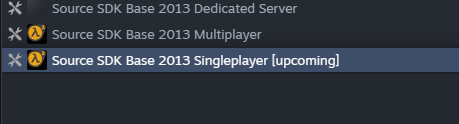
- Download
Hammer++and follow its installation steps inside README https://github.com/ficool2/HammerPlusPlus-Website/releases/download/8870/hammerplusplus_2013sp_build8870.zip - Copy the VPK textures over to
hl2/textures(create the textures folder if it does not exist)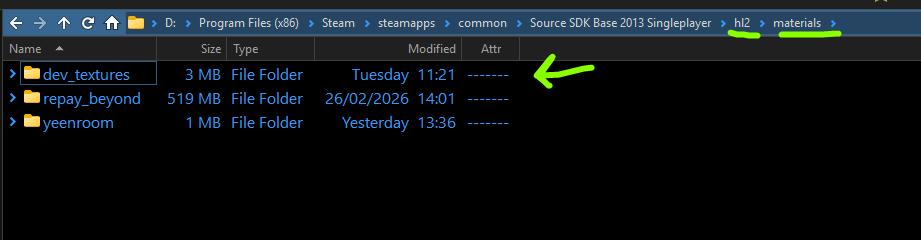
- Open Hammer++, if everything is done correctly the textures should show up on the Texture List
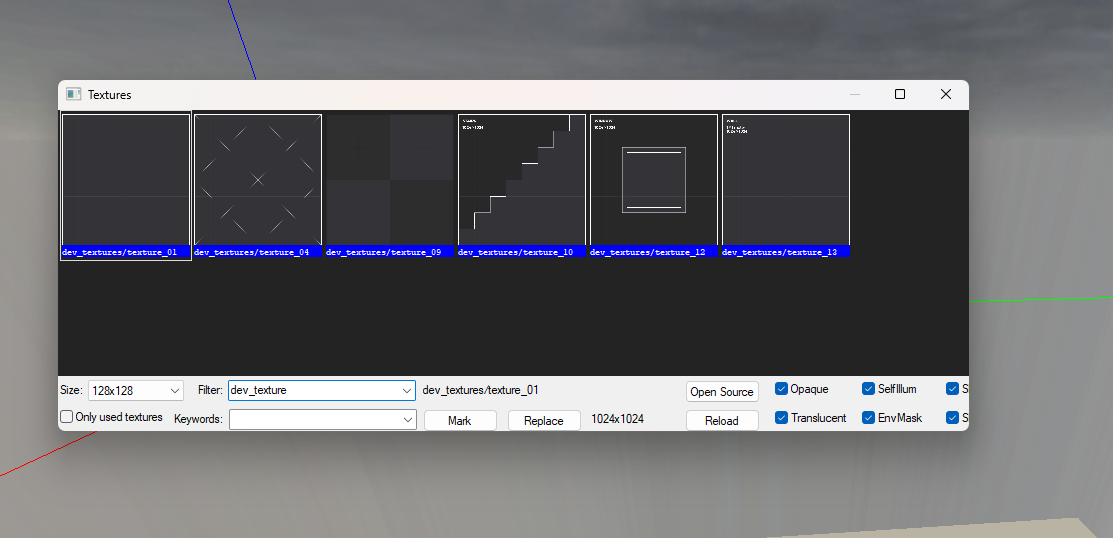
- You can open the
VMFslocated inside the example mapyeenrooms - If you want to add more textures to the Hammer editor, refer to Source SDK tutorials. You will also need to create your own VPK and put it in the Unity project (not inside the mod)
3. Create a New Folder Inside MODS/
- Create a new folder inside mods with the map name
Map names are unique, so make sure you don't use a common name. Instead use something like myname_mymapname
The following names are reserved by the game:
- Apartments
- City
- Train
- Trenches
- Fracture
- Create a new WorldSetting
(right click on the assets -> HyenaQuest SDK -> WorldSettings). Make sure you name it the same as the folder.
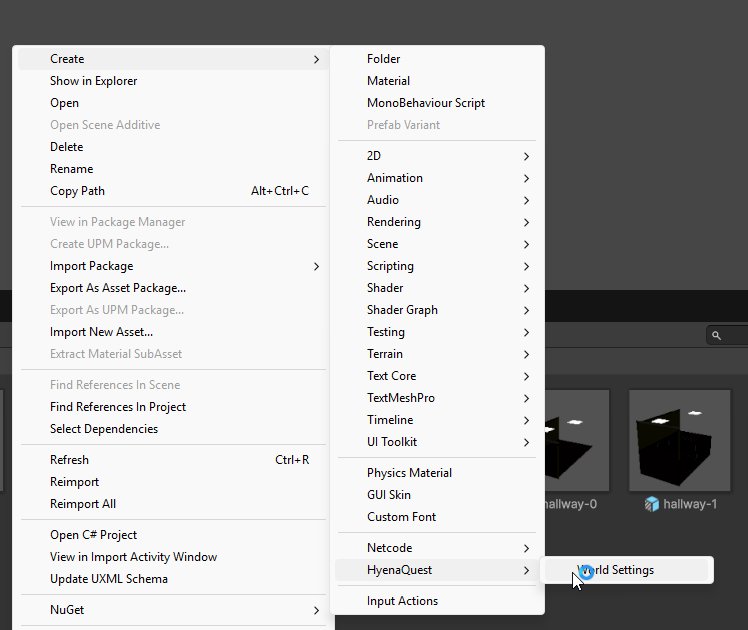
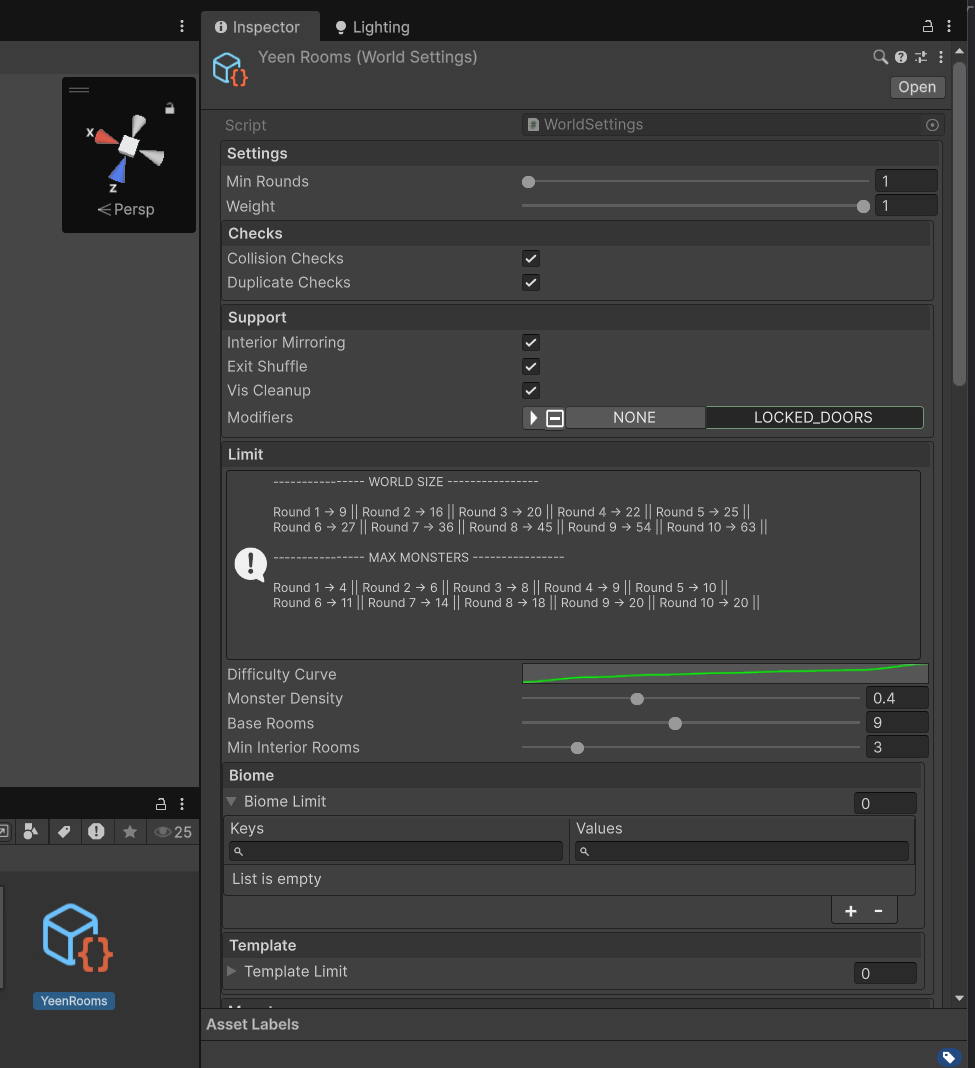
- Start adding templates, take a look at the
yeenroomssample.
4. Build the Custom Map
- Build the custom map by clicking on HyenaQuest SDK -> Maps -> Build Selected Map
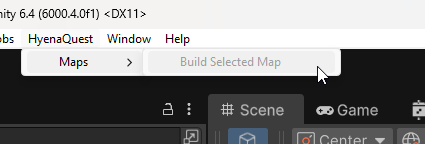
- After Unity is done, it will generate a
Buildfolder containing your maps. It will generate a preview picture andmod.jsonif one does not exist.
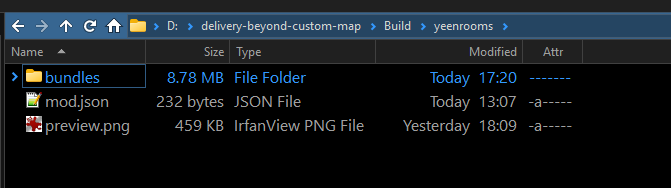
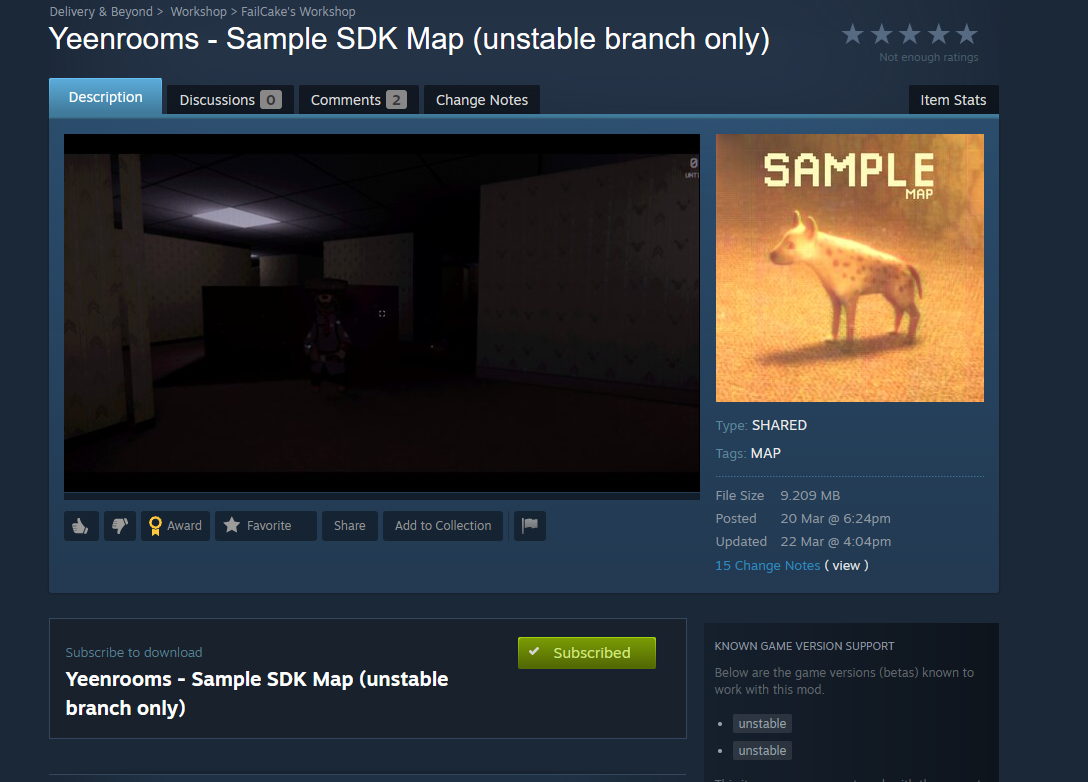
Ensure the tag MAP is present in the mod.json
Ensure the type is set to SHARED in the mod.json
- Test your map by copying the built folder into
maps/next to the game's executable. (Create one if it does not exist) - You can force the map by opening the console with
F2and typingmap.test.generate yourmapnameorworld.type yourmapname(These require cheats on) - Done! Take a look at Uploading on how to upload your mod to the Steam Workshop.
Important Notes
- All rooms need an
entity_roomor anentity_interior_room.